1
Capture
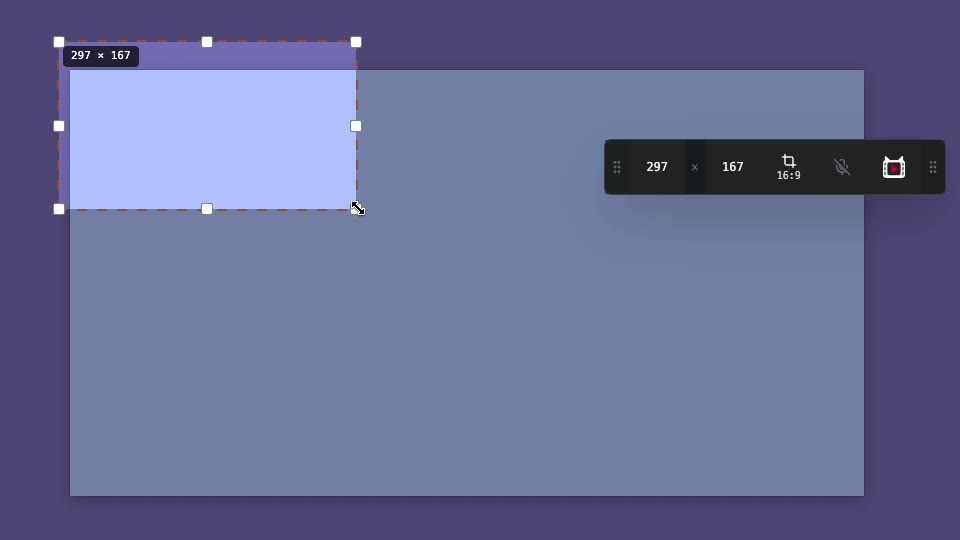
Hit a global shortcut, drag a region, and record with system audio, microphone, pause and resume.


With ScreenTailor, anyone can make screen recordings that get your point across. Record the region you want, then tailor it with zoom and captions — that's all it takes. Mic and system audio record together, and it's free to start.
Built just for screen recording, so you go from capture to a polished clip fast.
Pixel-perfect rectangle selection with aspect-ratio presets, 8-handle resize and exact width/height input.
Record the sound your Mac plays — apps, tabs and calls — plus your mic, as separate tracks with their own volume sliders.
Drop a checkpoint mid-recording to split your take, then re-record just the clip you flubbed — no starting over.
Turn a recording into an A4 how-to — one step per caption, exported as PDF or PNGs. The guide and the video never drift, because they're the same frames.
One-click auto-zoom that lands where you worked, plus spotlight, magnifier, arrows and glow — then cut dead air and retime on a precise, zoomable timeline.
Five fonts with shadow, stroke and background, readable on top of any footage.
Blur sensitive areas, plus fade, mosaic, glitch, chromatic, shake and more, baked into export.
A share-ready MP4 that plays and uploads everywhere — QuickTime, VLC, the web and social platforms.
From a blank screen to a shareable clip without leaving ScreenTailor.
Hit a global shortcut, drag a region, and record with system audio, microphone, pause and resume.
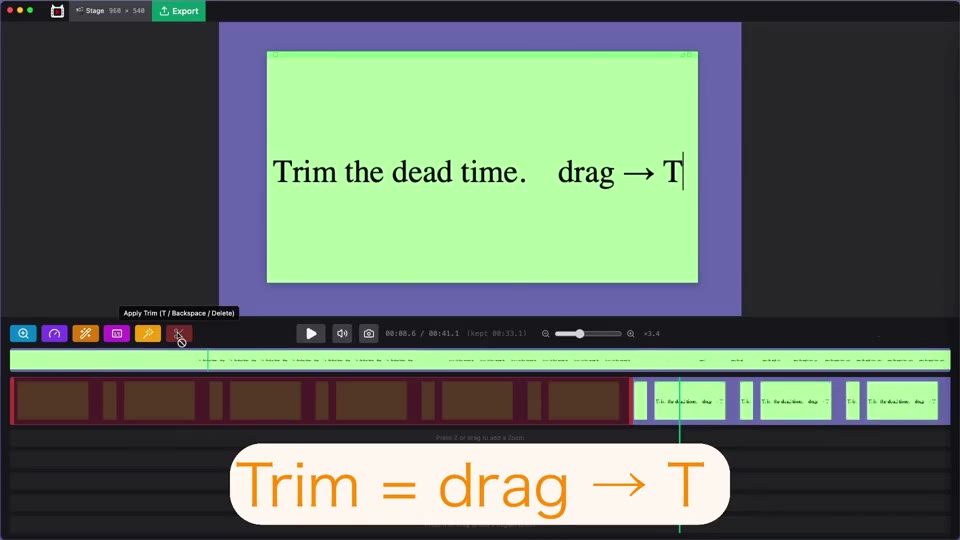
Add zoom, captions and effects in an easy-to-use editor, with a live preview of the result.
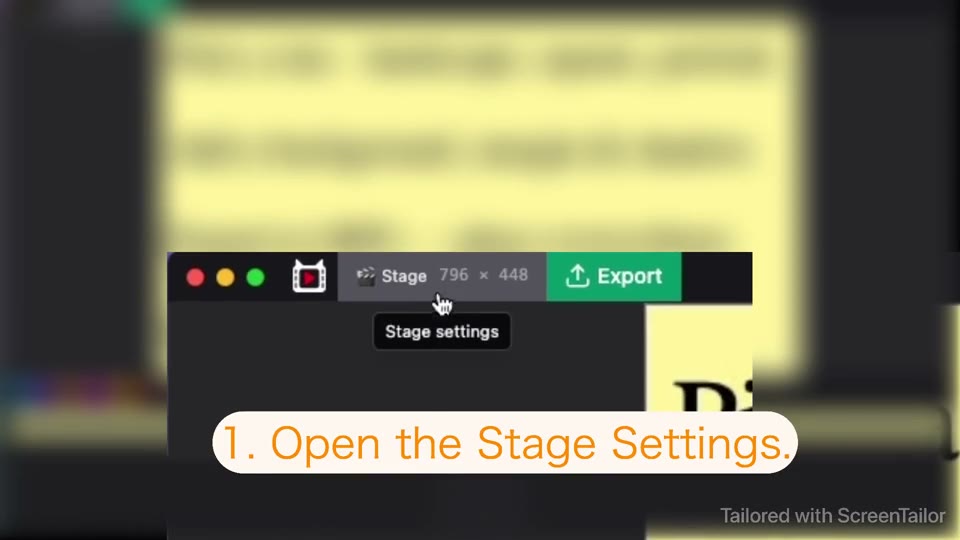
Pick a resolution, add a background, and render a share-ready MP4 in minutes.
Start free — no subscription required. Buy it once for $39, or subscribe for more Macs and major updates. Try every Pro feature free for 14 days.
Use the core capture and editing tools as long as you like — no card, no signup. Free limits: 5 minutes per recording, a small watermark on exports, guides up to 10 steps.
When you want more, unlock every Pro feature for 14 days. Start whenever you're ready.
Keep using ScreenTailor free, or unlock Pro — Lifetime $39 (one Mac), Yearly $39/yr (3 Macs) or Monthly $4.99/mo (3 Macs). Compare all plans →
Sold securely via Lemon Squeezy.
Yes. ScreenTailor runs on macOS 12 and later. Start using it free right away — no signup needed. When you want Pro features, start a 14-day free trial anytime. Auto-updates keep you on the latest build.
Both. You can pick Lifetime (one-time $39, one Mac, all v1.x updates included) or a subscription (Monthly $4.99/mo or Yearly $39/yr — both for 3 Macs with every update while active). The Yearly plan is the same price as Lifetime so you can compare them directly. See all plans for details.
macOS 12 and later, on both Apple Silicon and Intel. The build is signed with a Developer ID and notarized by Apple, so it opens without Gatekeeper warnings.
Yes. Turn on the speaker toggle in the capture bar (on by default) and apps, browser tabs and calls are recorded along with your mic — as separate tracks you can balance in the editor. No virtual audio driver needed. System audio capture requires macOS 13 or later; on macOS 12, recordings capture screen and mic.
Yes. In the editor, switch from Edit to Step-by-Step Guide: capture the frames that matter — or generate one step per caption automatically — then export A4 pages as a PDF or PNGs. Steps are images with your zoom, blur and captions baked in; the PDF's text isn't searchable.
Yes. After you record, one click turns your cursor movement into smooth, eased zoom-ins on the spots where you worked — and every one stays editable, so you can nudge, restyle or remove it.
Your recordings stay on your Mac. Anonymous diagnostics and a handful of one-time "first time you used this" events are on by default — easy to disable in Settings — and nothing personal is shared.